One workout,
one photo
Take one photo after each workout. Daylog puts it on a calendar and counts how often you trained this year.
Get it free on the App Store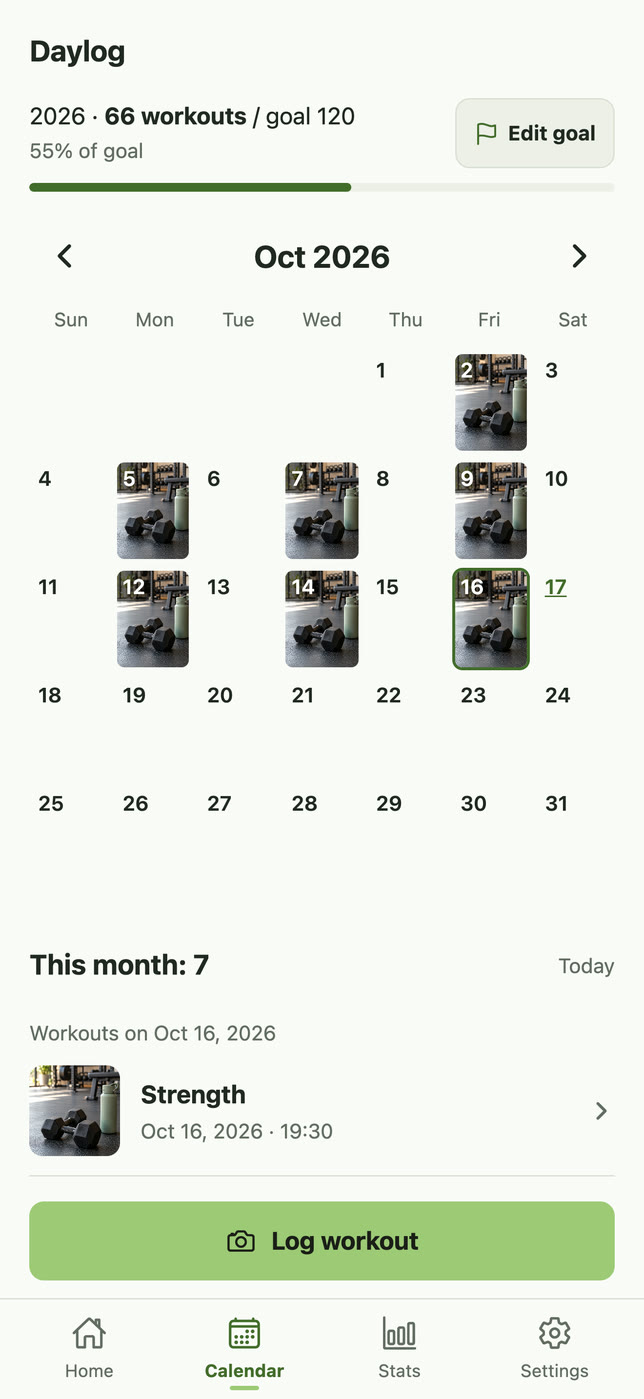
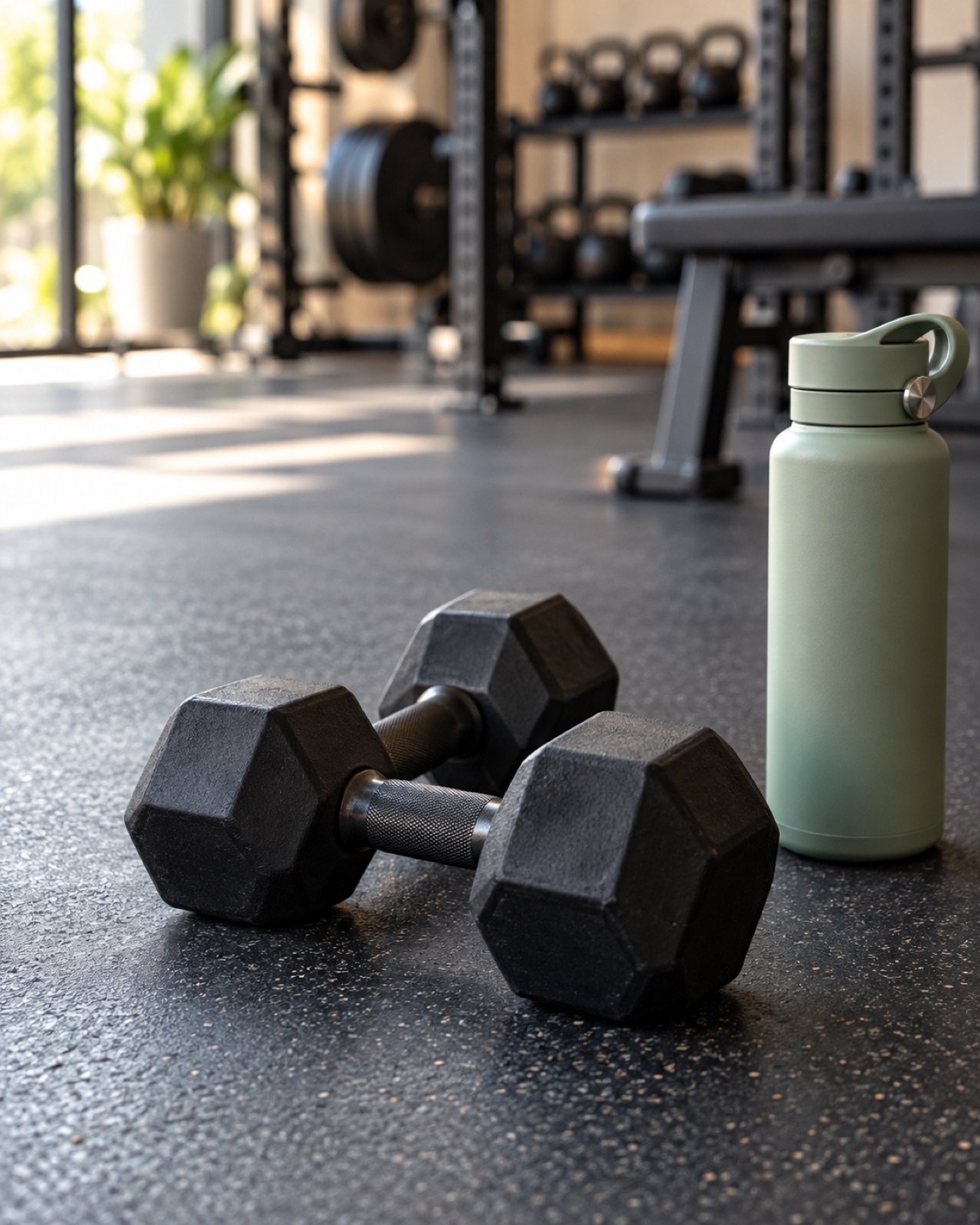
Workout no. 66 this year2026.10.16 19:30 · Strength
A log is one photo. A habit is one square on the calendar. Daylog counts your year, and Mochi grows as you near your goal.
Start without signing up. Your photos and records stay on your phone.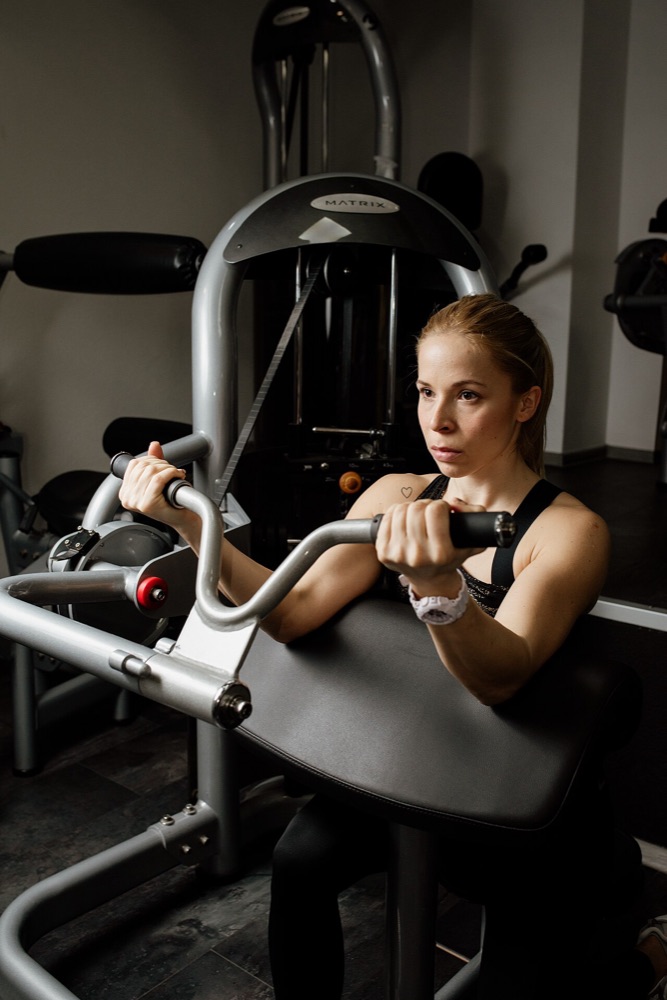
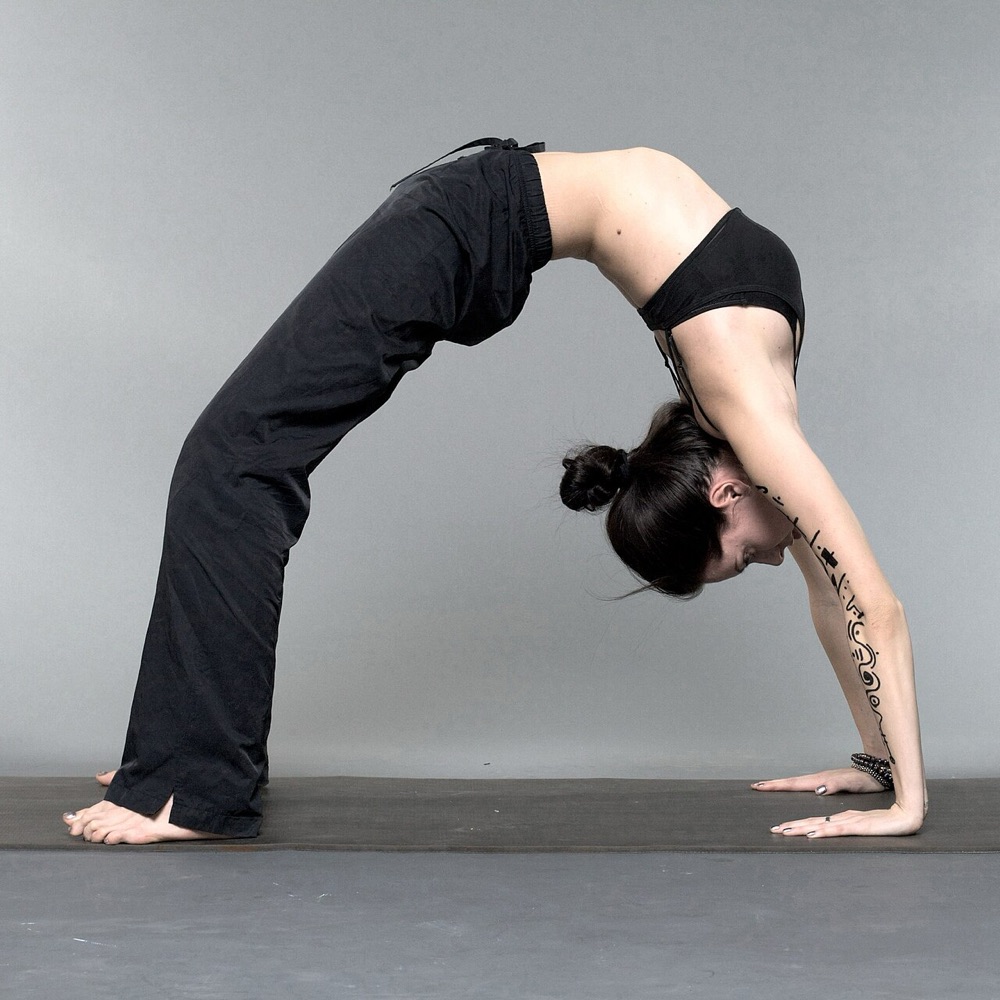
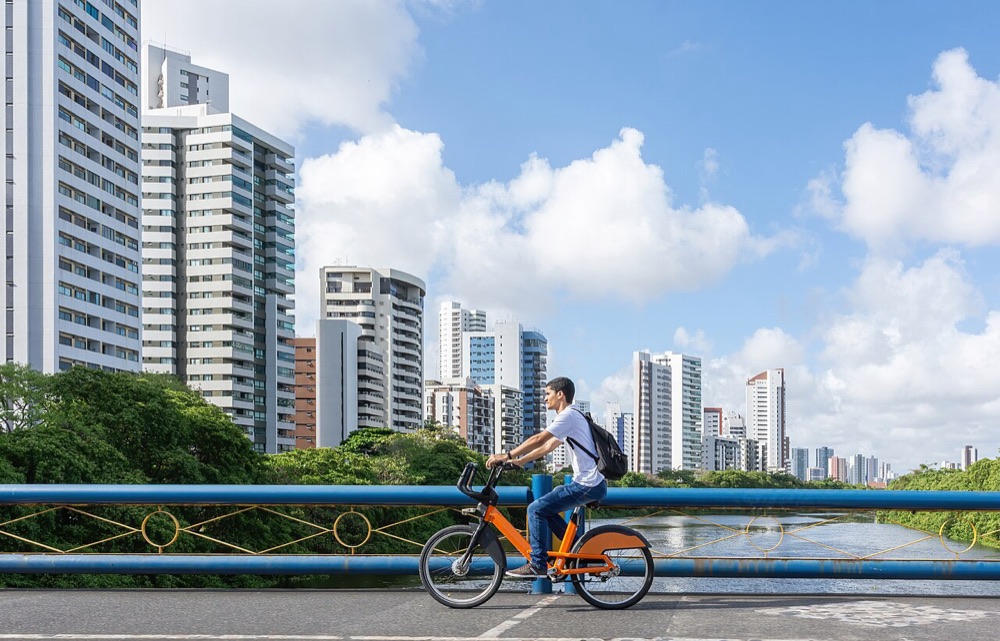
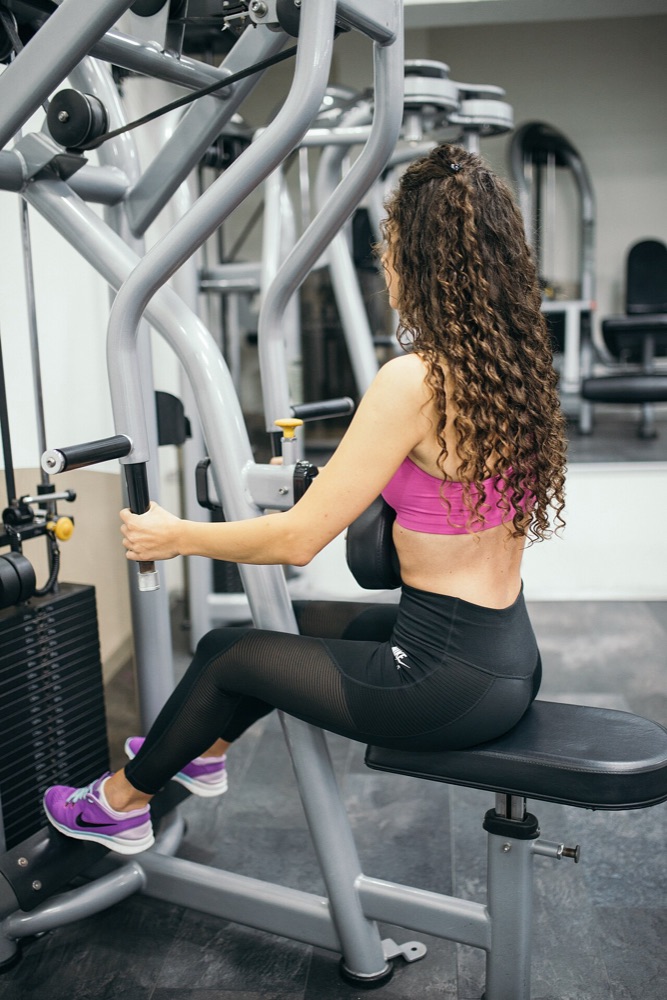
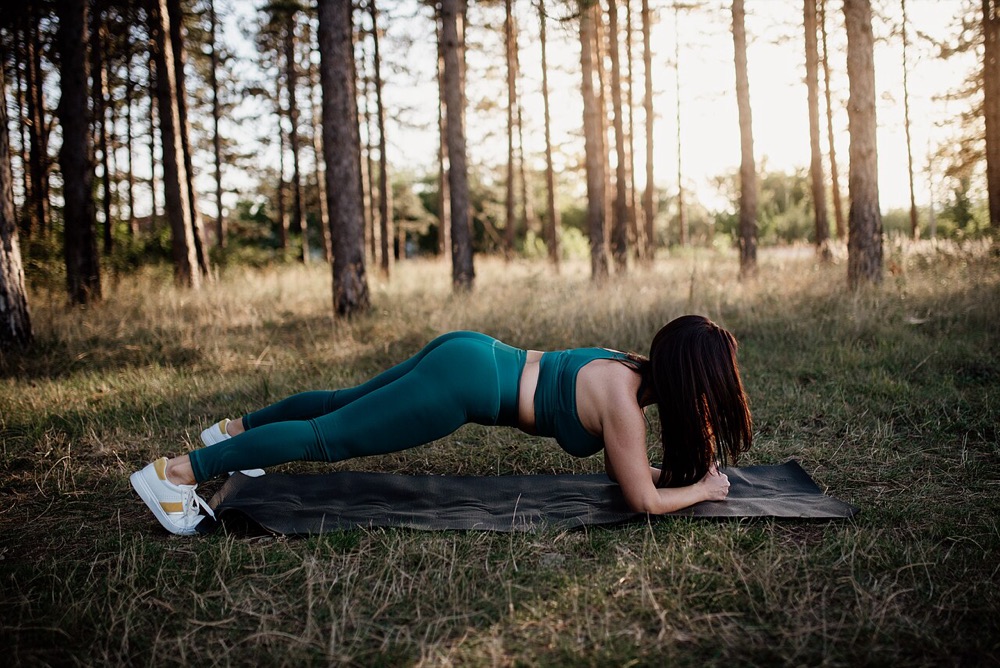
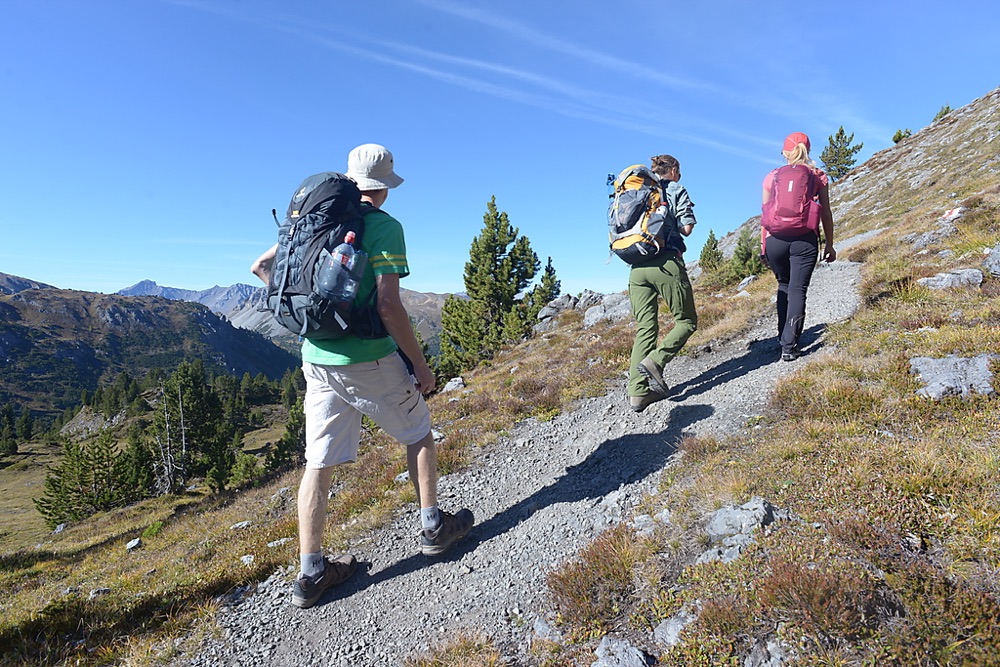
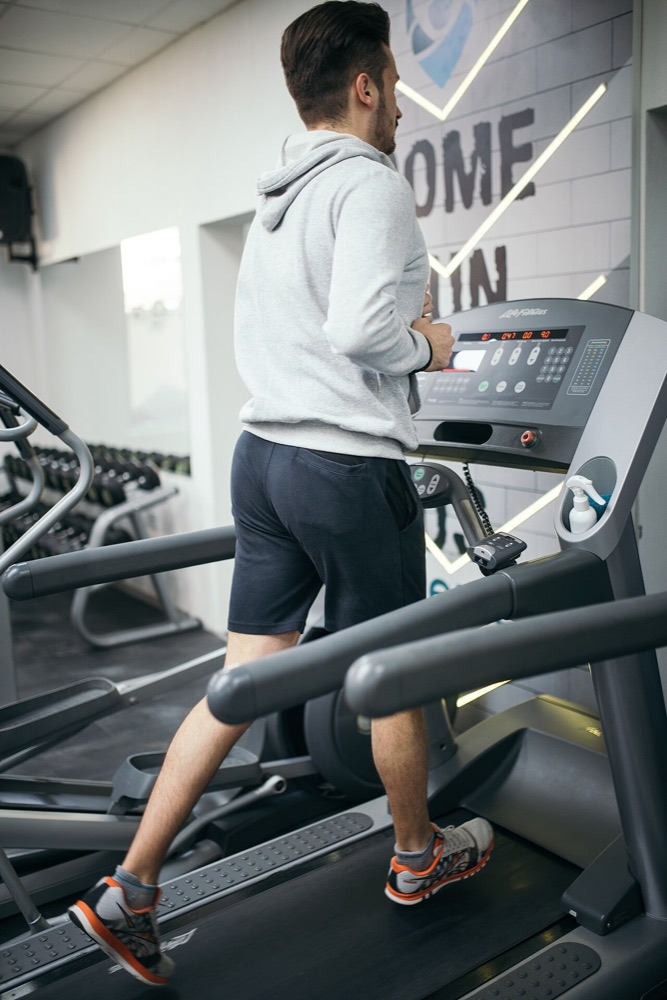
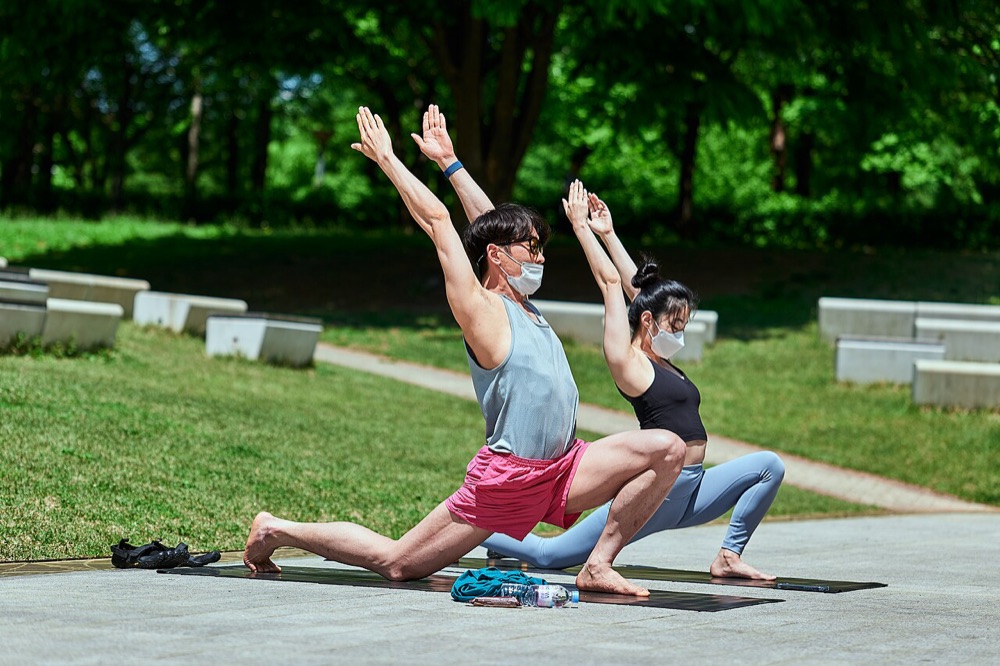
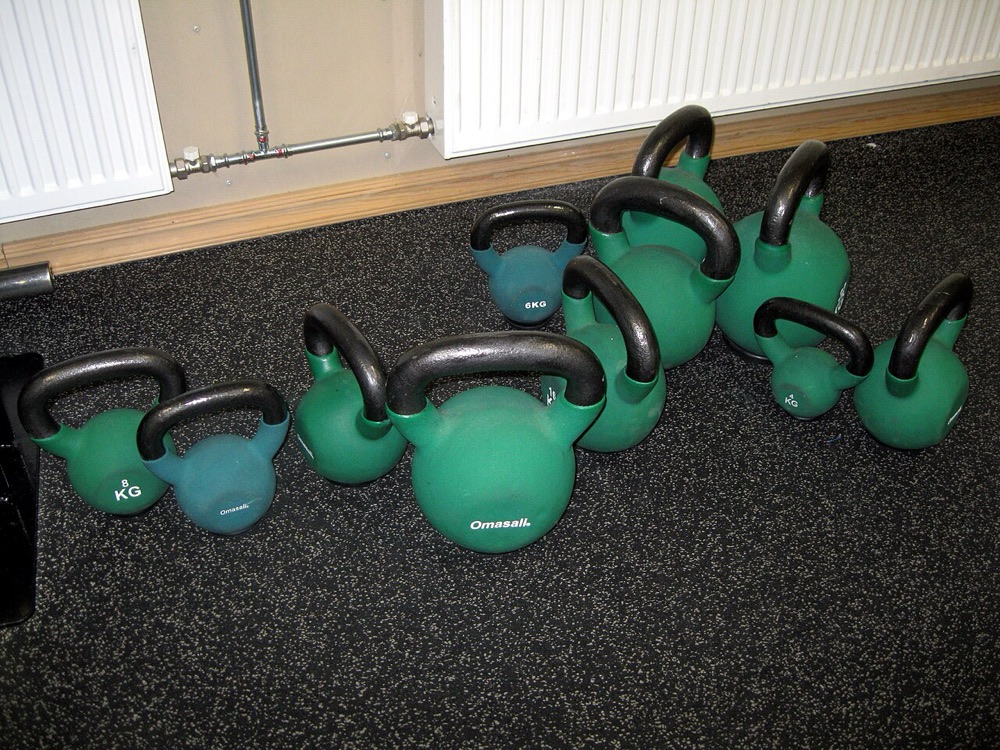

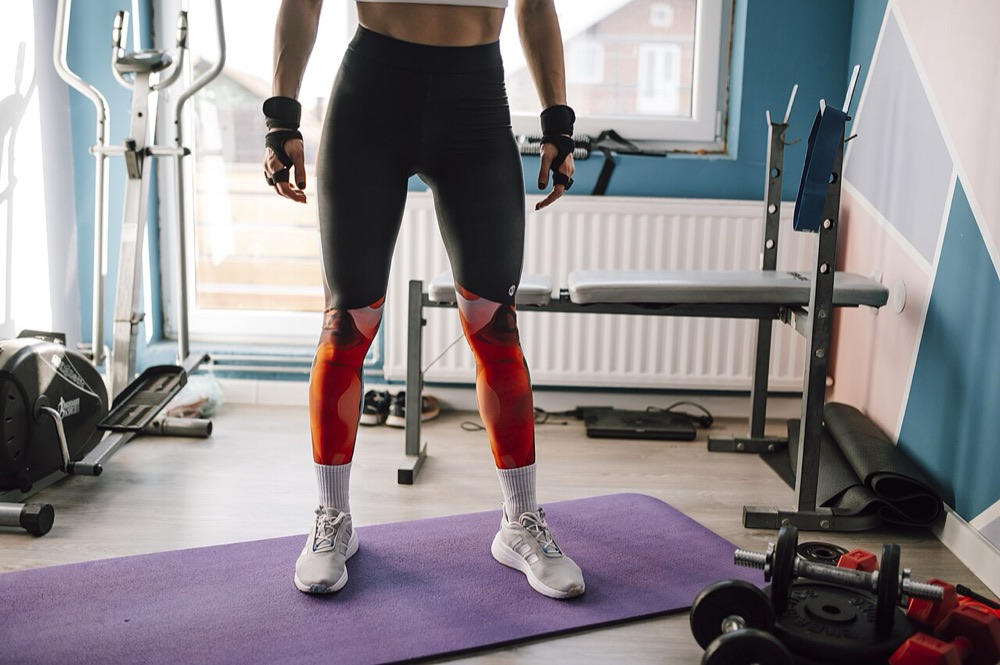
Gym or trail,
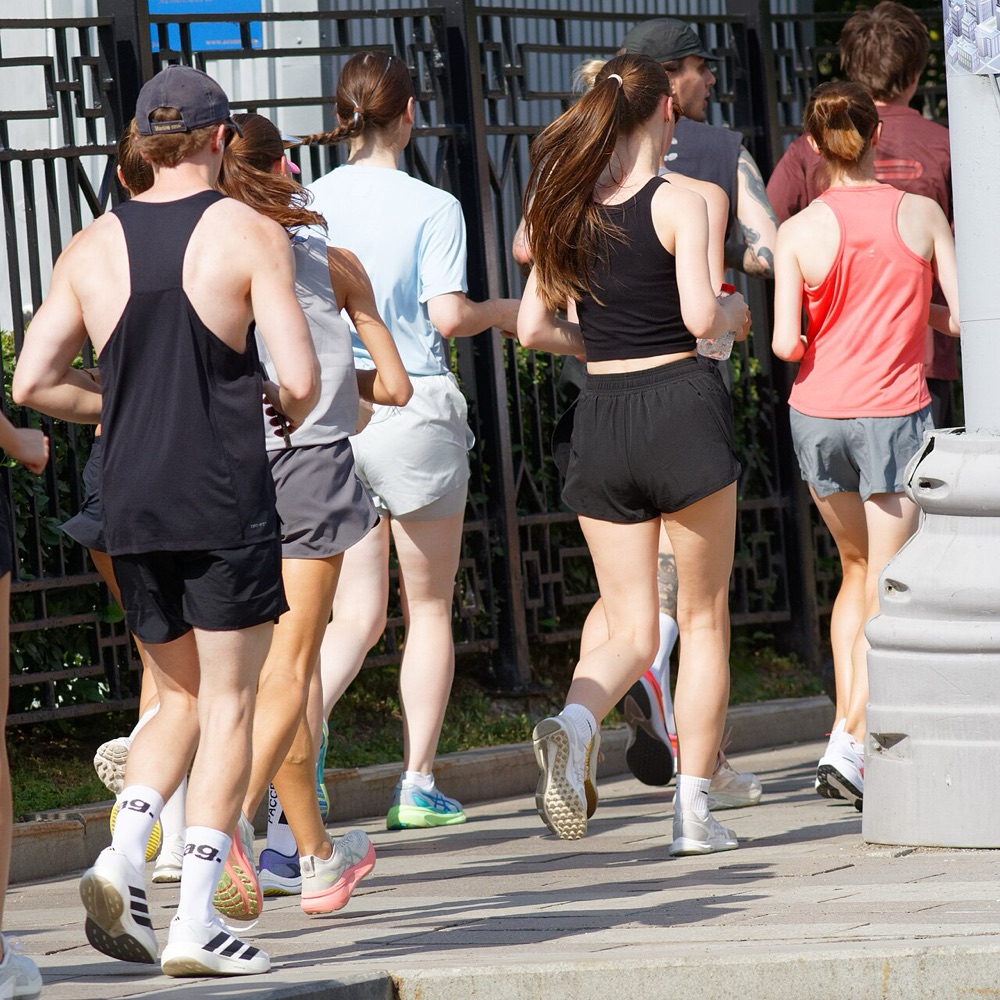
one photo logs it
Take a photo or pick one from your library, add the date, workout type and a note, and you are done. Two workouts on one day are kept separately.
Sample photos. Credits are at the bottom of the page.
Calendar
Each workout day fills with that day's photo. Tap a day to see its workouts and photos.
Stats
Your yearly count, goal progress, monthly counts and counts by workout type on one screen.
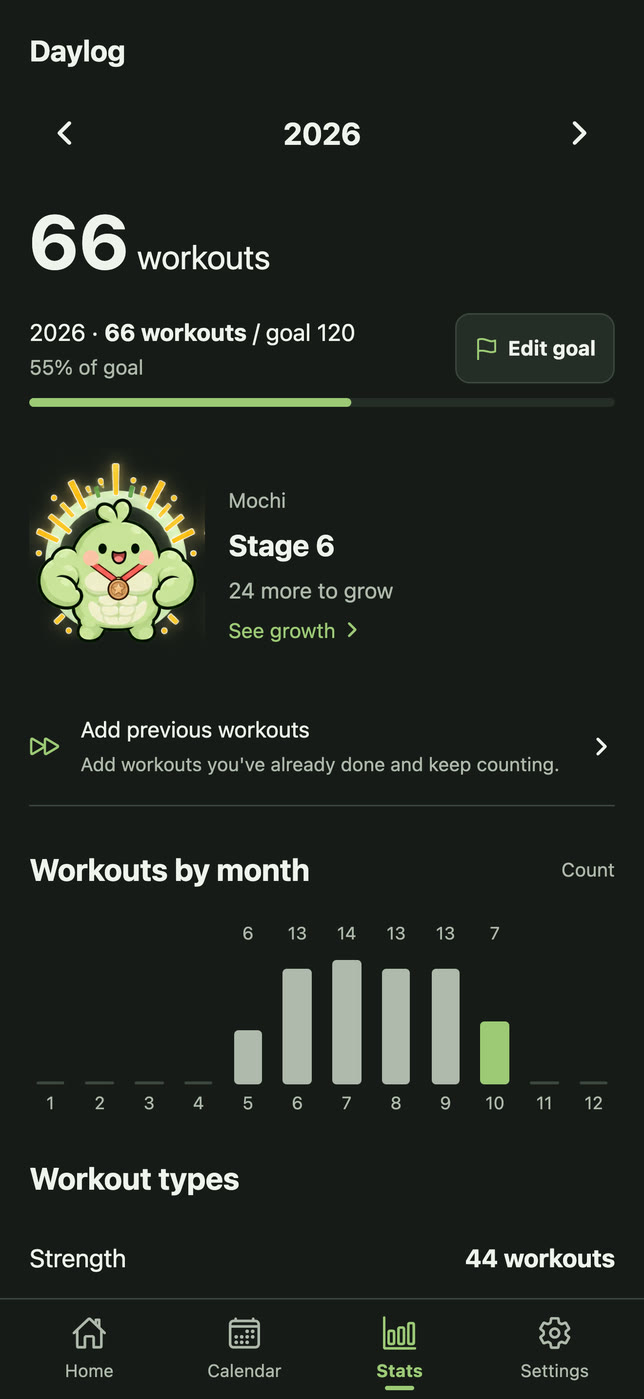
Mochi's growth book
Set a yearly goal and Mochi, your round workout buddy, grows through eight stages. It changes often at first and wears a gold medal when you reach the goal. Name Mochi anything and rename it any time.

Stage 1Start0

Stage 25%6

Stage 310%12

Stage 420%24

Stage 535%42

Stage 655% bronze66

Stage 775% silver90

Stage 8100% gold120
Your log and Mochi's growth help you look back on a habit. They do not measure physical change or health effects.
Today's workout,
one photo
Free on the App Store. Open the app, tap the record button and the camera opens right away.
Common
questions
Is it free? Yes. There are no paid features and no in-app purchases. One small banner ad shows below the record list; the camera and save screens have no ads.
Do I need an account? No. Every feature works without signing up.
Where are my photos stored? In Daylog's storage on your phone. Originals in your photo library are never changed; Daylog keeps a compressed copy.
Does it sync to the cloud? There is no automatic sync. Before deleting the app or changing phones, export a backup file in Settings and keep it outside the app.
Does restoring erase what I have? No. Restoring adds the backup's records to your current ones. Photos taken after the backup stay and duplicates are skipped. For the same record, edits and goals on the current phone are kept; restoring does not roll back to the time of the backup.
Can I log runs? Share a route image from another app's share menu, or import a GPX file, to start a record. You check and enter the distance and time yourself; Daylog does not connect to running-app accounts.
Can I make a proof image? Yes. Make an image with the date, time, workout type and your workout number for the year, and share it.
Does it connect to Health? No. Daylog does not use HealthKit or Health Connect.
Are my photos used for ads? No. Photos, workout records, notes, goals and Mochi's name are not passed to the ad SDK. See the Privacy Policy for details.
Is there an Android version? It is being prepared for Google Play. For now, get it on the App Store for iPhone.
Who do I contact about a problem? Email crome20@gmail.com with your device model, app version and what happened. You do not need to send a full backup containing photos or personal information.